I connect customer needs, business priorities, and technical constraints to help teams decide what to build—and carry that direction through delivery and learning.
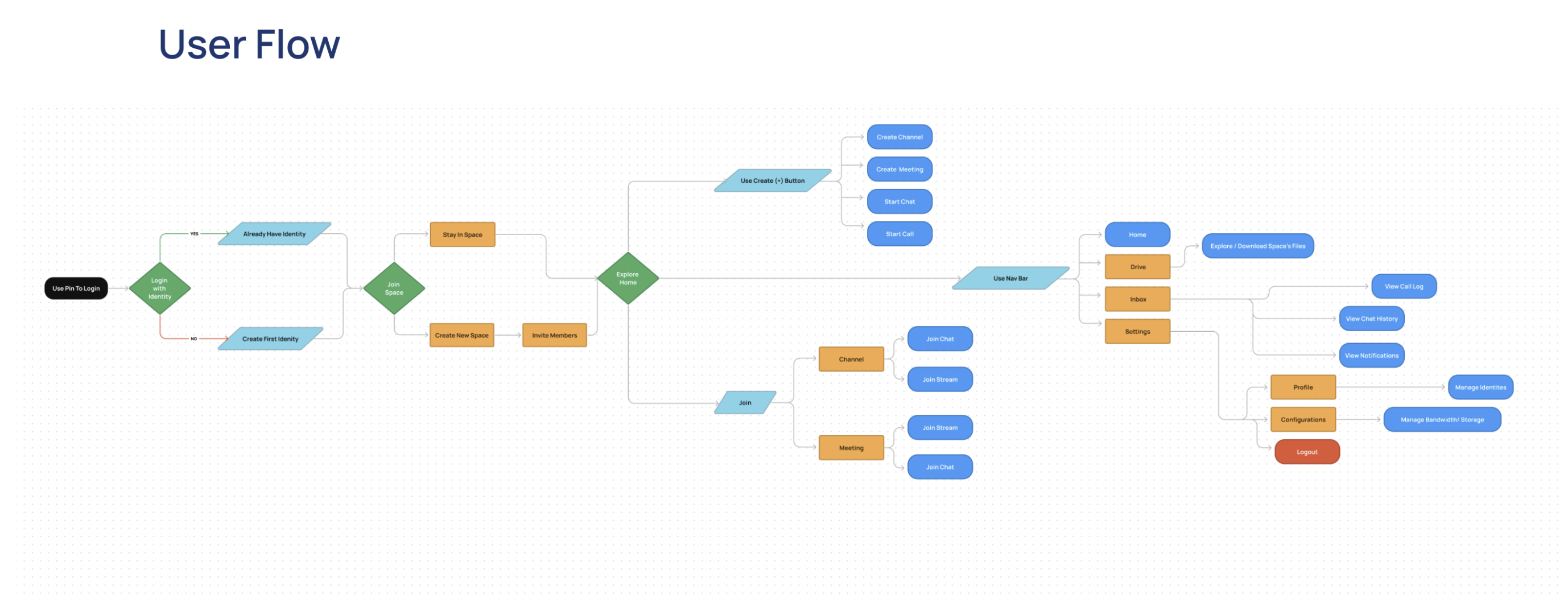
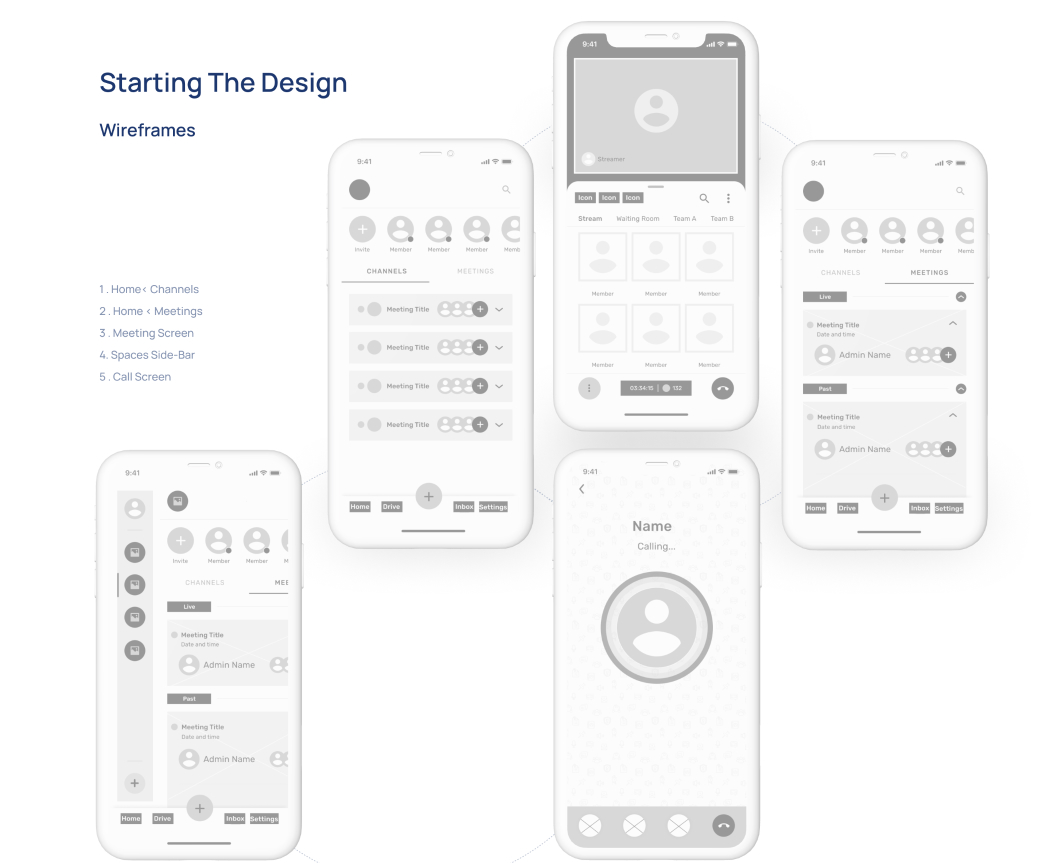
FROM EXPLORATION TO EXPERIENCE · Illustrative design journey
MY APPROACH
Four responsibilities I return to.
These overlap throughout the work. The next step depends on what we need to learn or resolve.
01
Frame the right problem
Connect customer friction to the business priority. Clarify what matters, what is uncertain, and what the team can realistically change.
Connect product direction to interaction details. Work with Product and Engineering through shared patterns, specifications, and implementation review.
As Principal Product Designer, I connected product direction with detailed workflows, reusable patterns, and implementation support.
What I observed
Project materials described event work spread across tools, inconsistent patterns, and limited visibility into what needed attention.
What I prioritized
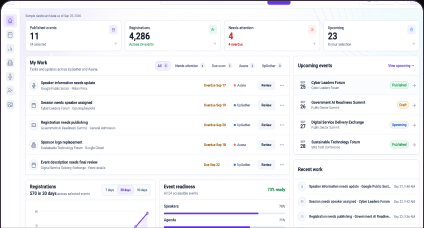
A workspace that brings My Work, task status, event readiness, and contextual actions into view.
The trade-off
Keep the current product view and interactive prototype distinct from the North Star vision. Personalization and AI assistance remain future directions.
How I aligned delivery
Partnered with Product, Engineering, Data / AI, Content, and business stakeholders; used prototypes, shared components, and implementation QA to carry decisions into detail.
What the evidence supports
Workflow designs, a prototype, and implementation reviews. Launch, adoption, and task-time results are not available in the project record.