
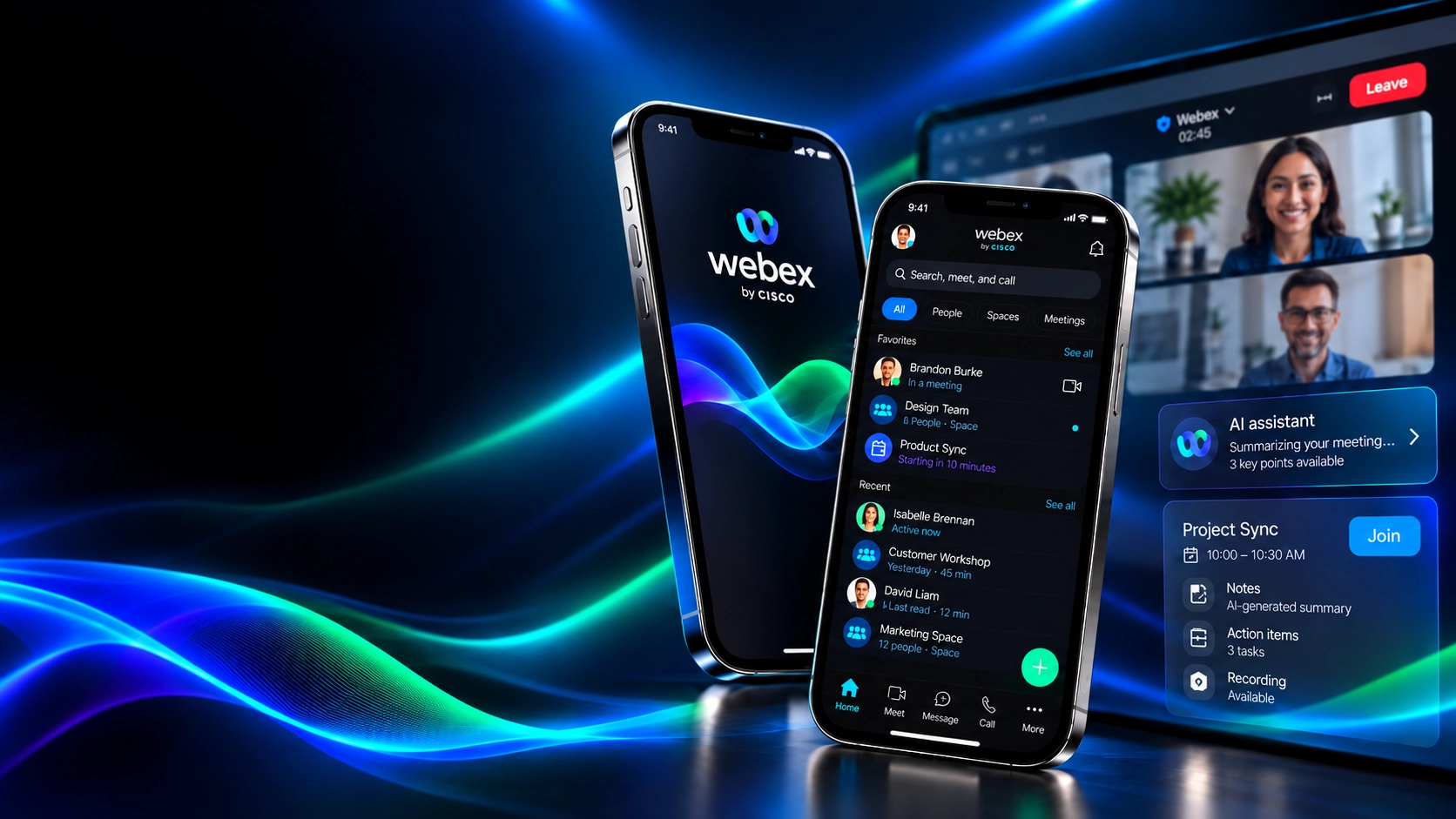
Making collaboration easier to navigate.
I led a team through design exploration, identifying opportunities to make Webex’s mobile experience clearer, more vibrant, and easier to use.
See the finished experiencePROJECT DETAILS
PRODUCT EXPERIENCE
See the collaboration experience first.
Meeting, messaging, and calling come together in a mobile interface designed to make the next step easier to find.
DESIGN ARTIFACTS
The thinking behind the interface.
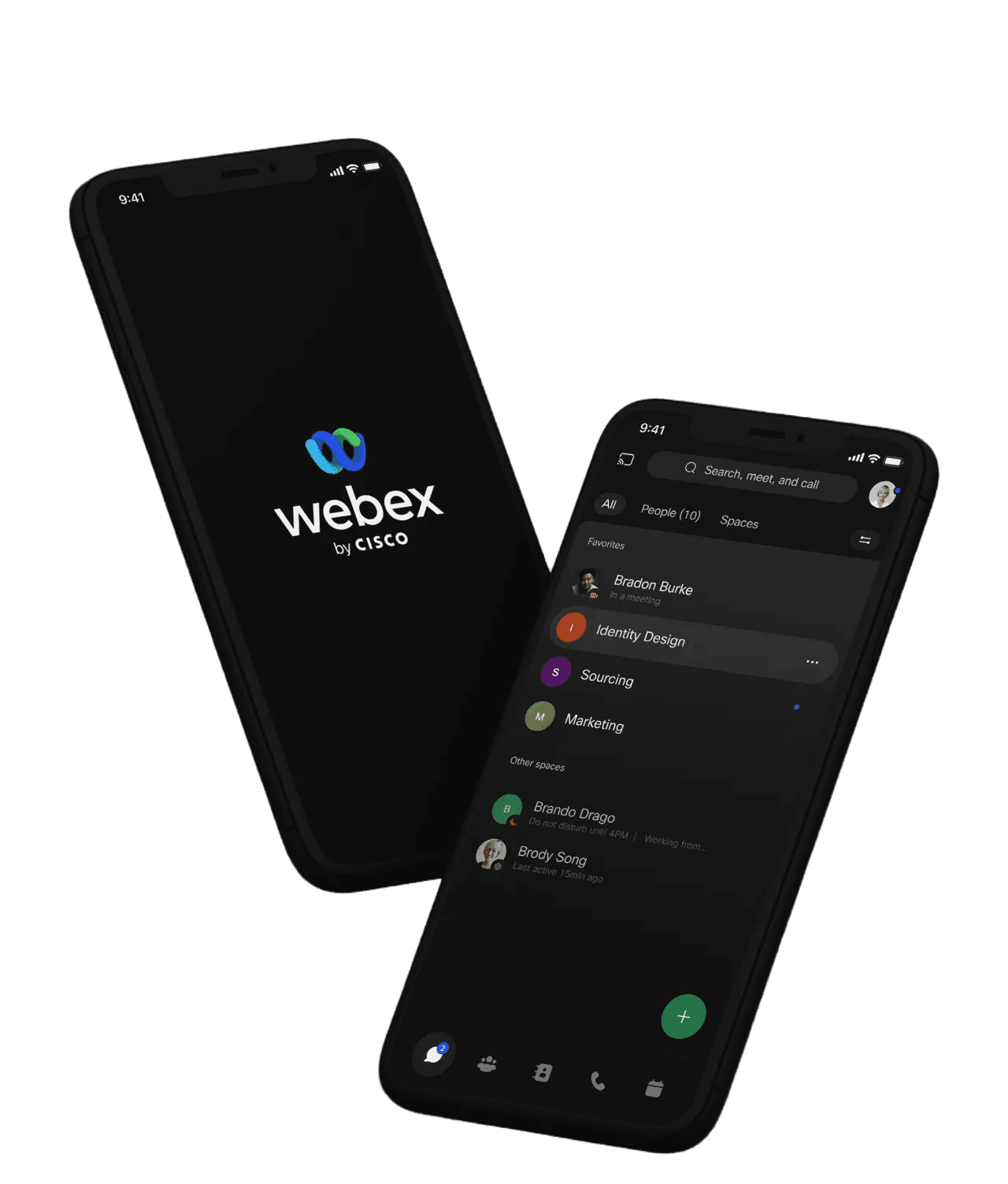
With the final direction visible, explore the original flow map, wireframes, low-fidelity refinements, mobile design, product pillars, and visual system.
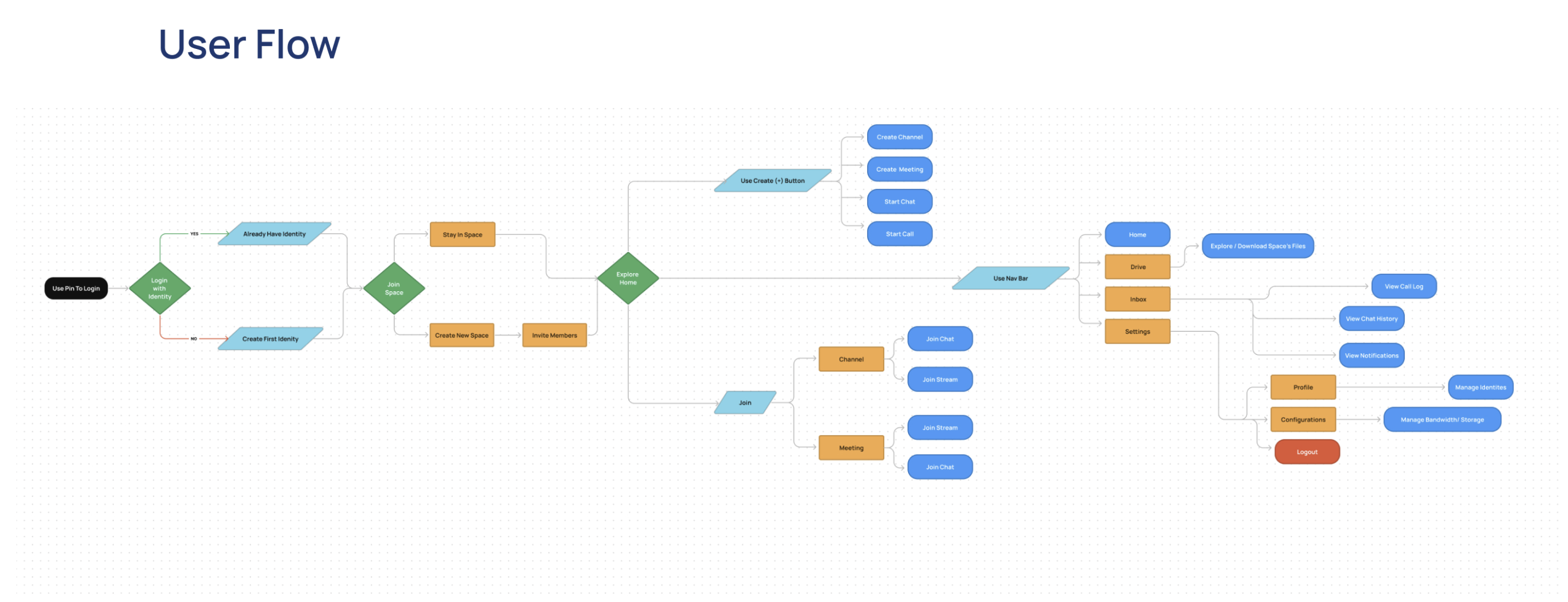
EXPERIENCE MAP
Connect the collaboration moments
The original FigJam flow frames the work from meeting through message and call.
HUMAN-CENTERED DESIGN
Design for the person in the conversation.
The source lists user personas as part of the process but doesn’t include their original profiles. These two workflow roles make the design lens clear without presenting them as research participants.
The person guiding the room
Start a session, keep the conversation on track, and make the next action easy to find.
DESIGN APPROACH
Build clarity, then add energy.
Move from experience structure into interface exploration and an interactive prototype.
- 01
Frame the experience
Use personas and a sitemap to understand the people, destinations, and relationships across Webex.
- 02
Explore in low fidelity
Use wireframes to make hierarchy and navigation visible before polishing the interface.
- 03
Refine the visual language
Develop the high-fidelity direction with vibrant blues, gentle gradients, motion, and typography, then connect it in a prototype.
DELIVERABLES & VALIDATION
Make the next test measurable.
The source documents the design process, but no study counts or outcome metrics. These are practical measures for validating the proposed experience—not claimed results.
Time to join
Time from selecting a meeting to reaching the room.
PROPOSED USABILITY SIGNALControl findability
Success rate and time to locate the most-used meeting controls.
PROPOSED USABILITY SIGNALContext continuity
How often people can move between meeting, chat, and shared content without losing their place.
PROPOSED USABILITY SIGNALAccessible operation
Keyboard and assistive-technology completion of core tasks.
PROPOSED USABILITY SIGNAL