
AI-POWERED LEARNING · MOBILE PRODUCT DESIGN
Learning that feels personal.
A gamified education platform concept for students, parents, faculty, and healthcare professionals—bringing avatar-led Tutor AI and a personalized learning experience together in one mobile app.
Explore the experience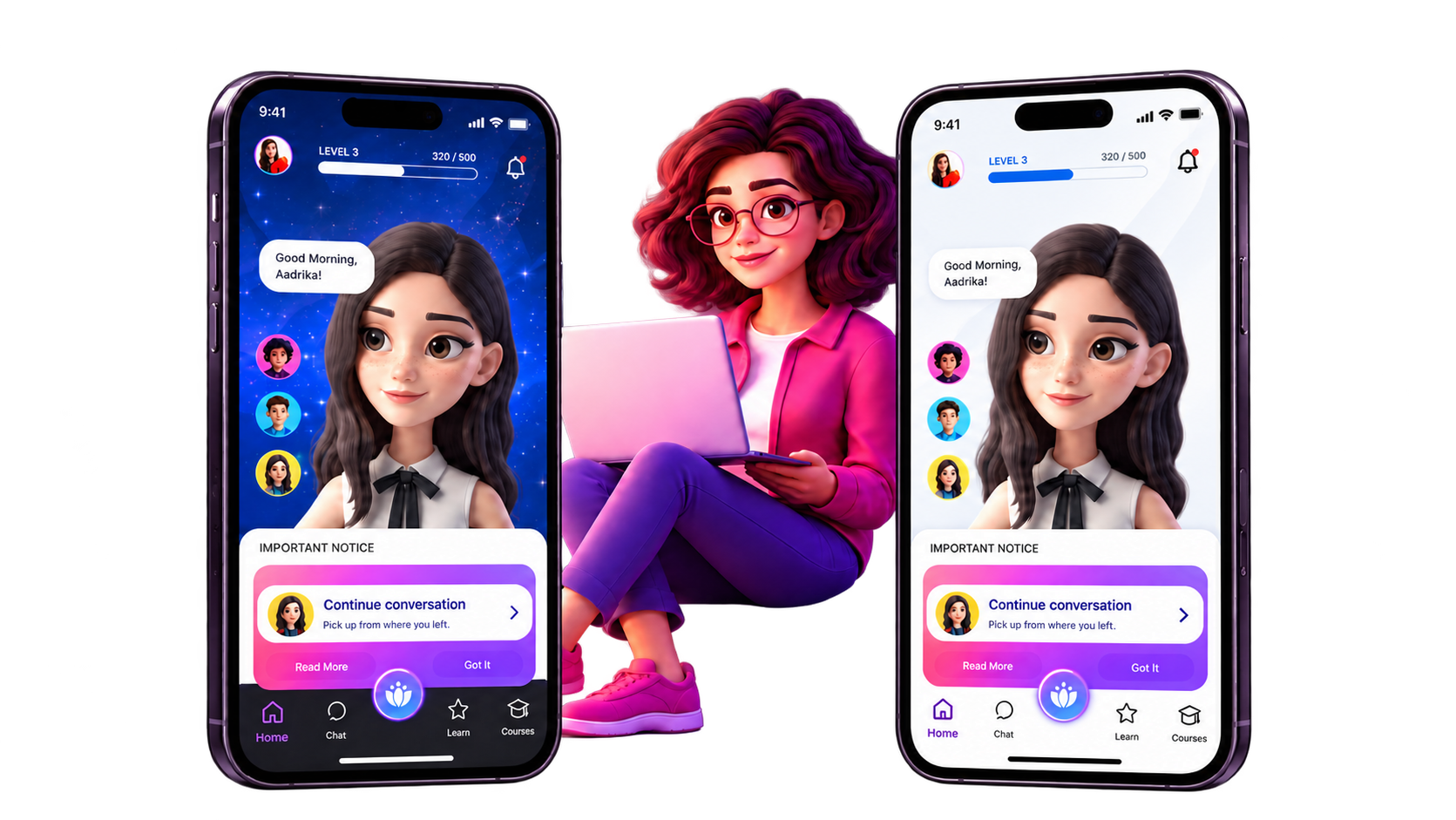
- Client
- ETT — Universal Tutor — Education of America
- My role
- Product design, research through testing
- Tools
- Figma, FigJam, Miro
I owned product design from research through testing, connecting role-based school needs to a personal student experience and interactive prototype.
LEARNING JOURNEY
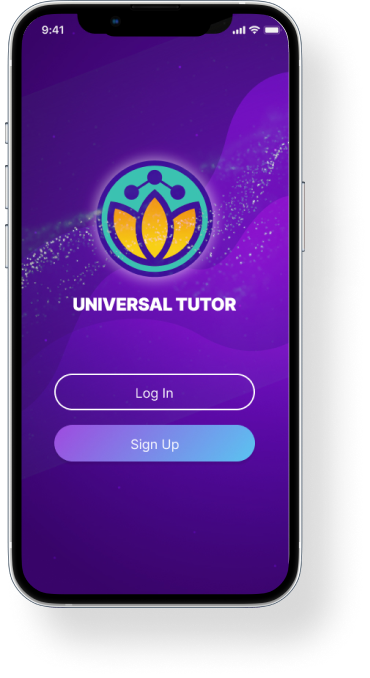
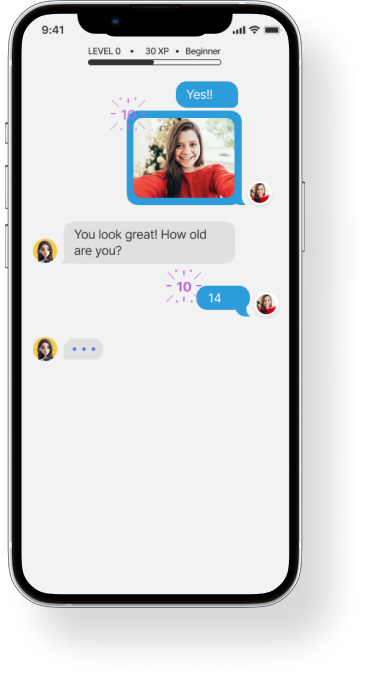
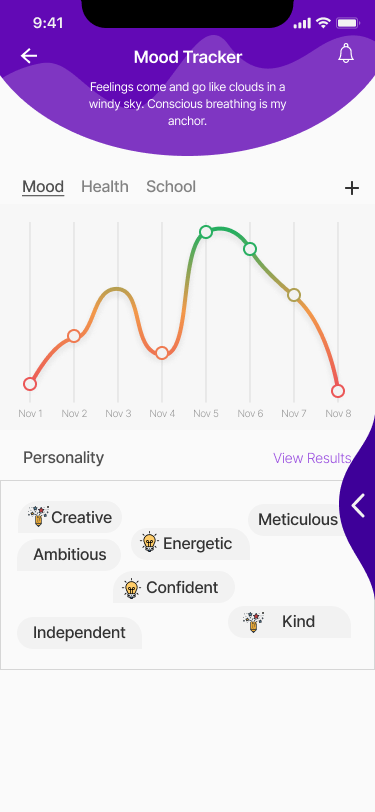
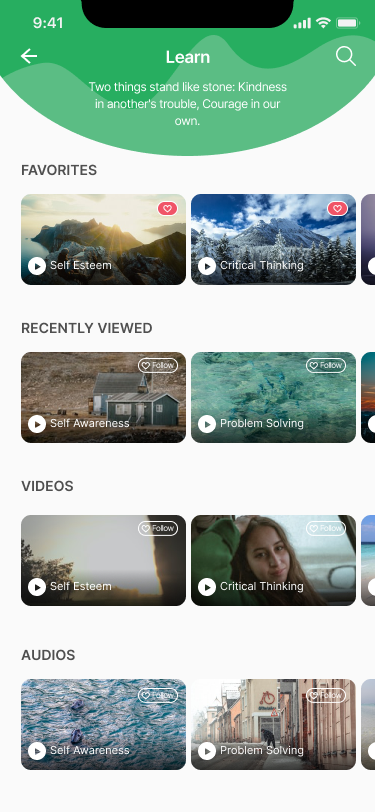
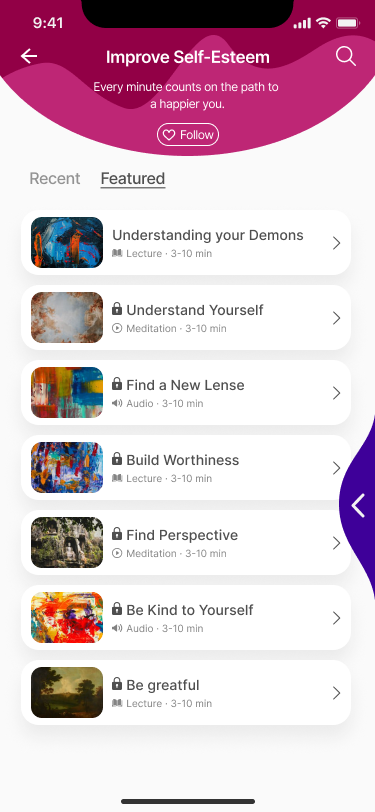
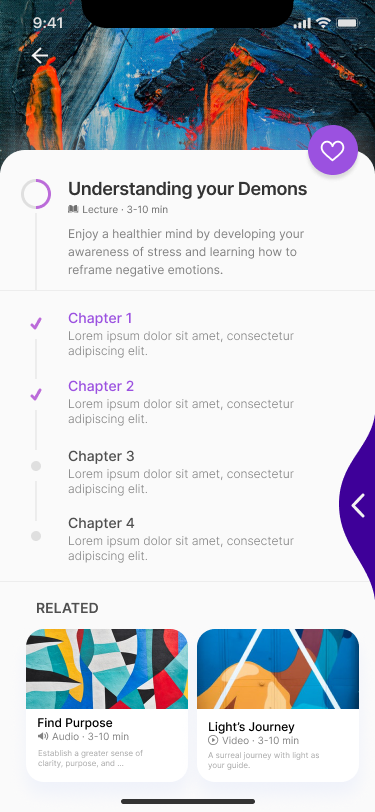
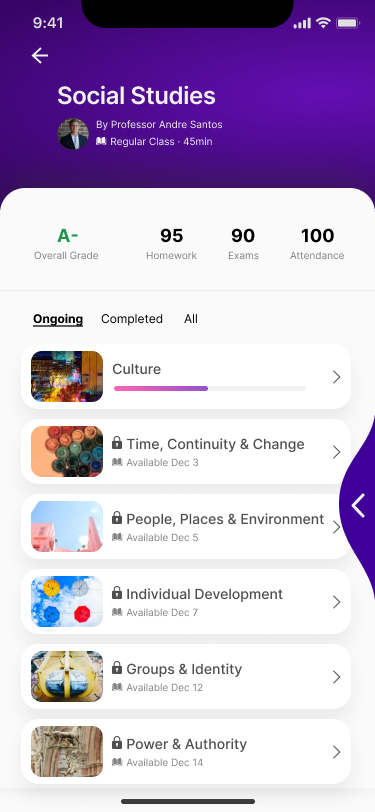
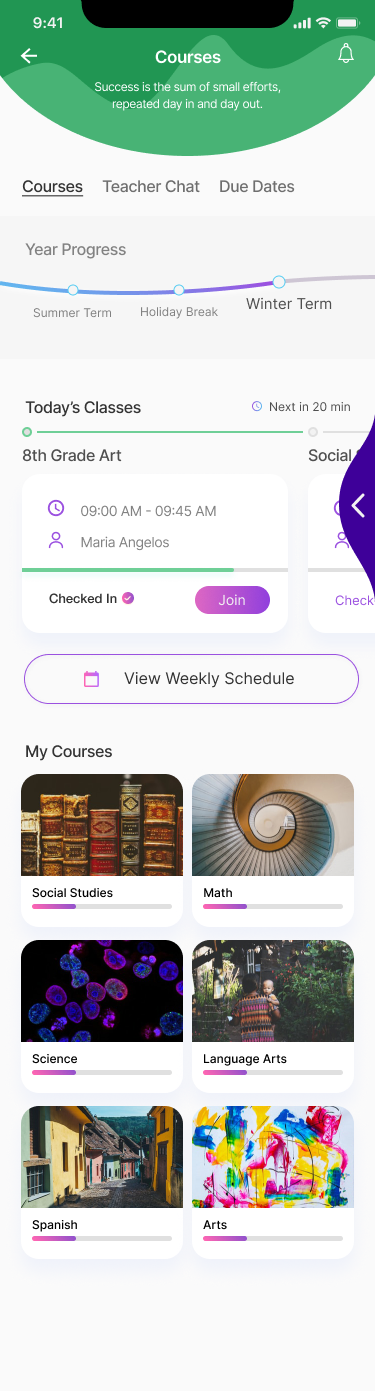
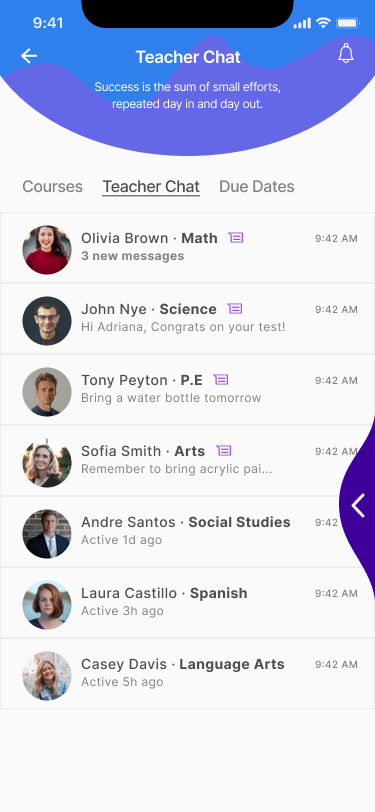
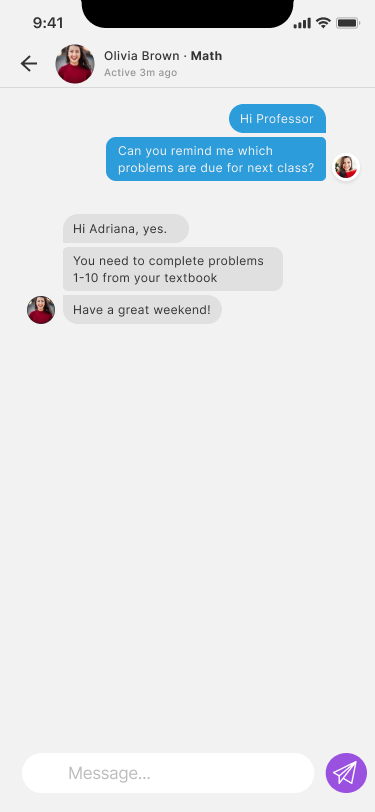
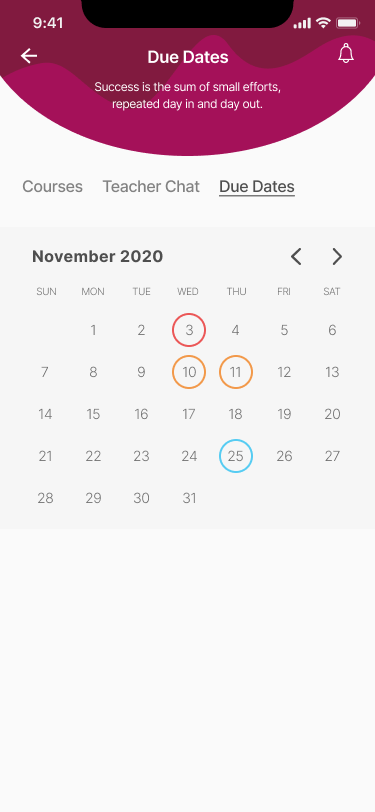
Explore the app, one screen at a time.
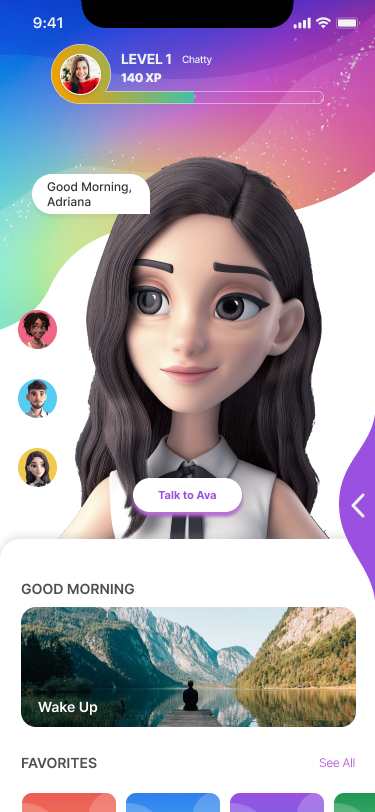
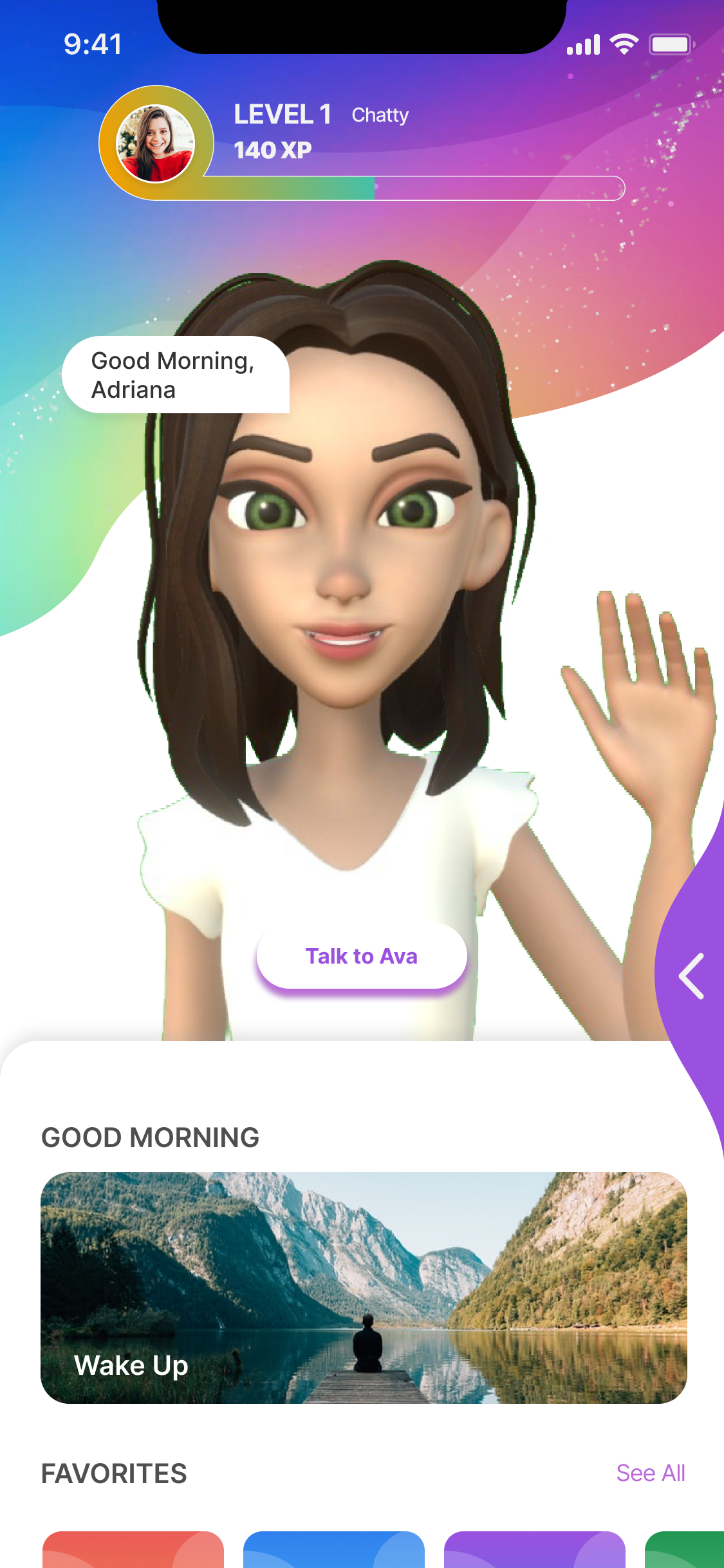
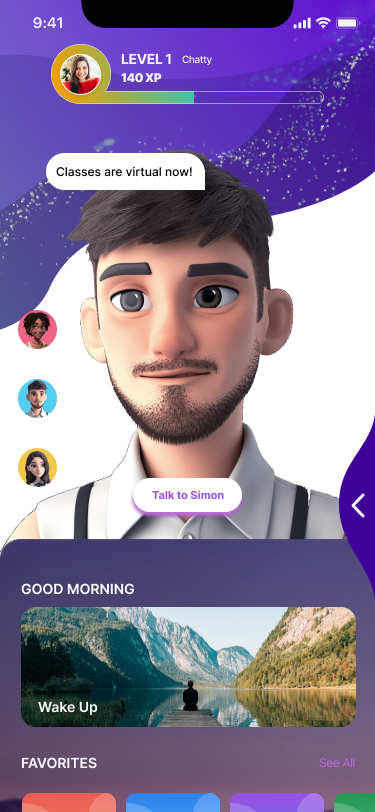
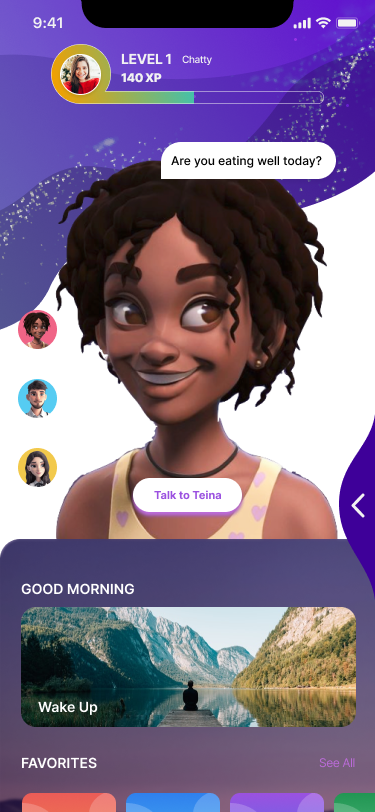
Swipe through key moments across learning, wellbeing, and school communication.
RESEARCH SYNTHESIS
Research shaped a system for the whole learning community.
I mapped what the school, instructors, students, and mobile experience need to do—then connected those needs in one product architecture.
- Mobile usage
- Web activity
- Reports
- System effectiveness
- System information
Tutor
One connected learning platform
School administration
Configure the school view and manage content, tools, and users.
- System setup
- Content & tools
- Users & school views
The map describes the research opportunity and system architecture; it does not claim results from the prototype.
TWO CONNECTED AI IDEAS
One learning experience. Two personal touchpoints.
The concept pairs an approachable conversational guide with a learner-centered mobile experience.
WIREFRAME FLOW
A clear path from first hello to learner progress.
I translated the broad product idea into a connected 12-screen flow—then refined each step around a learner’s next decision.
GET STARTED
Onboarding
Set expectations and make the first step feel approachable.
The numbered path is a reconstructed presentation of the supplied wireframe board. Screen titles summarize the flow; they are not separate research findings.
DESIGN PROCESS
From audience needs to an interactive prototype.
Concept prototype; no measured product outcomes were available.
- 01
Research the audience
Created user personas for students, parents, faculty, and healthcare professionals.
- 02
Map the experience
Built a sitemap and used low-fidelity screens to shape key learning flows.
- 03
Prototype and test
Designed high-fidelity screens, tested key flows, and refined the interactive prototype.
PROJECT DELIVERABLE
Explore the interactive prototype
Explore the student learning flow in Figma.