A GAME-DAY EXPERIENCE CONCEPT
Bring every fan closer to game day.
A mobile experience concept that builds on TCU’s digital signage relationship to make game day more engaging for fans on campus and following from afar—with live context, social connection, and a conversational AI guide.
Explore the design approach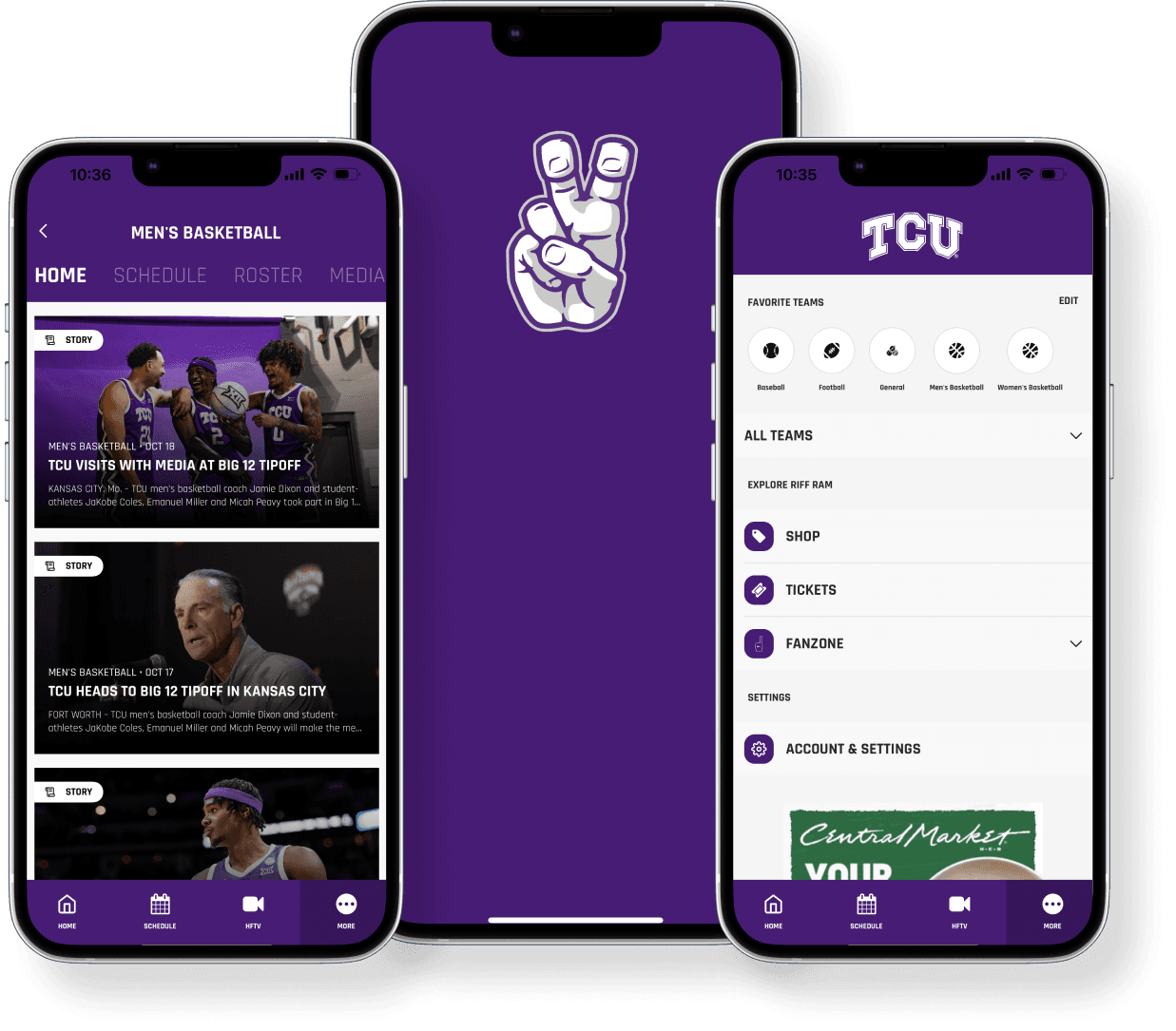
- Client
- TCU
- Project
- Riff Ram game-day app
- My role
- End-to-end product design
- Timeline
- 3 months
- Tools
- Figma · FigJam · Miro · Bravo Studio
01 / FAN LENSES
One team. Two ways to be there.
These are design lenses to guide the concept, not research participants or validated personas.
The campus regular
Get from campus plans to kickoff with the essentials close at hand.
- A quick read on kickoff and gates
- A clear route to venue and event info
- A place to follow the live game
02 / WIREFRAME EXPLORATION
From arrival to the final whistle.
A simple mobile flow keeps the main fan jobs close: know where to go, follow what’s happening, and join the conversation.
Game-day home
A focused home view introduces the next game and the most useful ways to plan the day.
Early visual exploration, reconstructed from the project brief. Scores, copy, and interface details are placeholders for layout only.
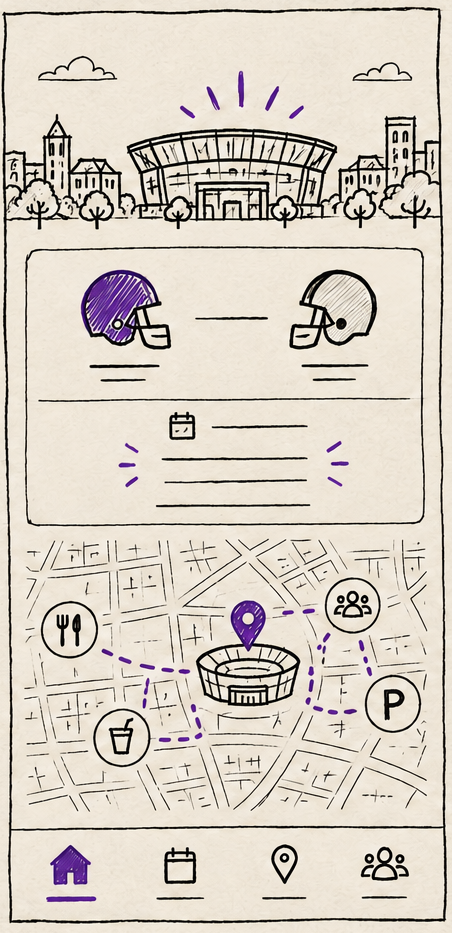 LOW-FI HAND SKETCH
03 / CONVERSATIONAL AI CONCEPT
A better way to ask, “What’s the plan?”
An optional game-day guide can connect questions to useful next steps—schedule, venue, live game, or fan conversation. It is a proposed design direction, not a feature claim about the current app.
Hey Frog fan. What do you need for game day?
04 / MY APPROACH
Build from the fan’s next question.
Three months from research and structure through visual design and an interactive prototype.
- 01DISCOVERResearch · Personas
Understand the game-day context
Carry forward the existing TCU relationship, map the audiences, and frame the difference between attending in person and following remotely.
- 02DEFINESitemap · Experience flow
Connect the moments
Organize scores, event details, social updates, alerts, and campus information into a clear fan journey.
- 03DESIGNWireframes · UI · AI concept
Prototype the useful paths
Move from low-fi structure to polished mobile screens, then shape an AI conversation concept around real fan questions.
- 04VALIDATEPrototype · Usability testing
Test task clarity and timing
Use Bravo Studio and an interactive prototype to evaluate whether fans can find the next useful action quickly.
05 / DATA & VALIDATION
Separate product context from design outcomes.
Public listing details provide context for the existing app. They do not measure this portfolio concept or its impact.
46 reviews · 5K+ downloads listed on Google Play.
View app listingWhat the app brings together
Social stream, scores and stats, play-by-play, and custom notifications, as described in the public app listing.
How I’d validate the concept
- Time to find kickoff and venue details
- Success locating a live score or recent play
- Relevance and usefulness of game-day alerts
- Task completion across in-person and remote fans
Store listing figures are a public snapshot and may change. No participant counts, usability results, or business outcomes were included in the available project materials.